Ana Sayfa / Uygulama Şablonları / React Shopping Cart Firebase
React Shopping Cart Firebase
React ve Firebase kullanılarak oluşturulmuş e-ticaret
- Yayın tarihi13 Eylül 2020
- Paket içeriği.css, .html, JavaScript .js
- Son güncelleme15 Eylül 2020
- Canlı demoVar

Overview
React Shop | E-commerce react app
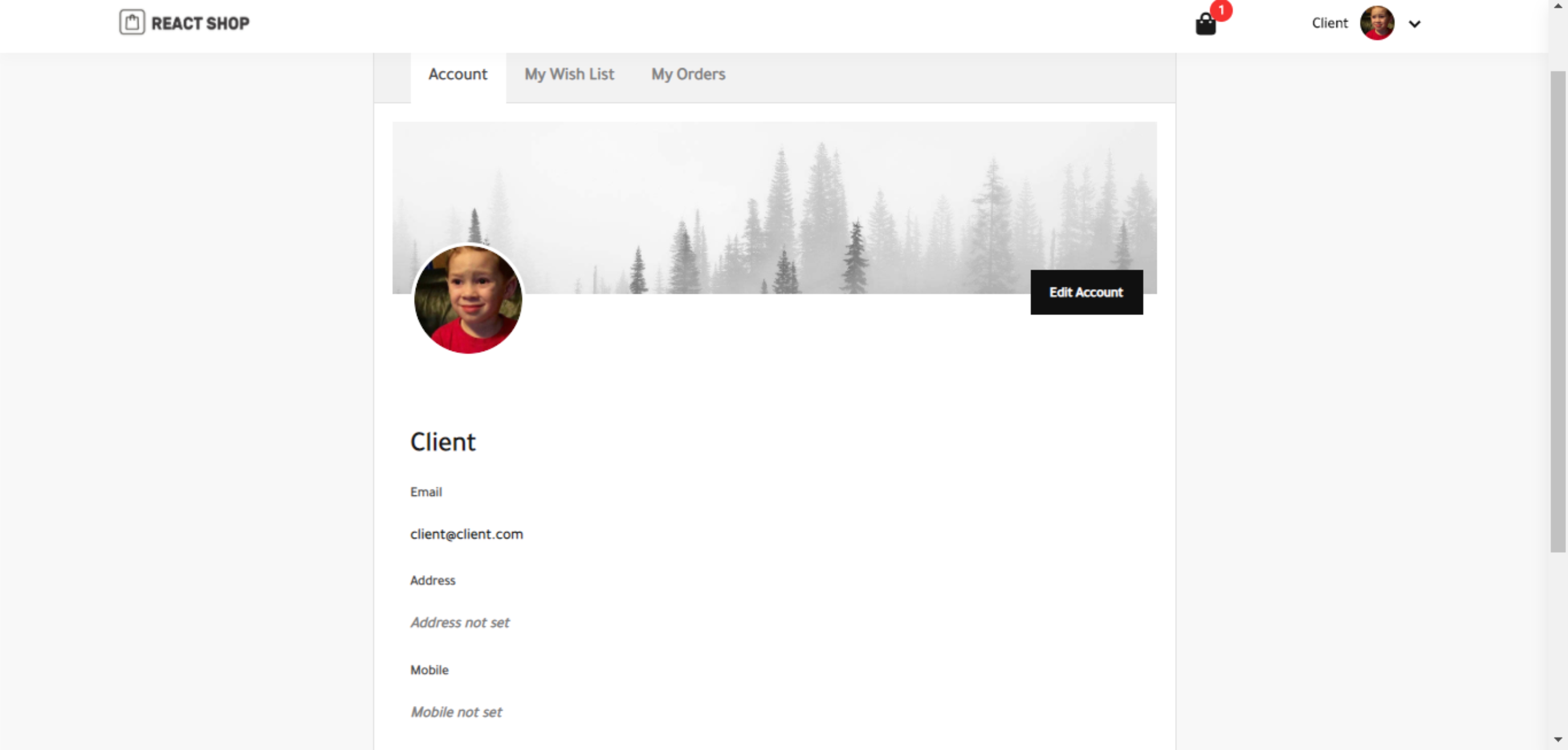
Simple ecommerce react js app with firebase.
Live demo
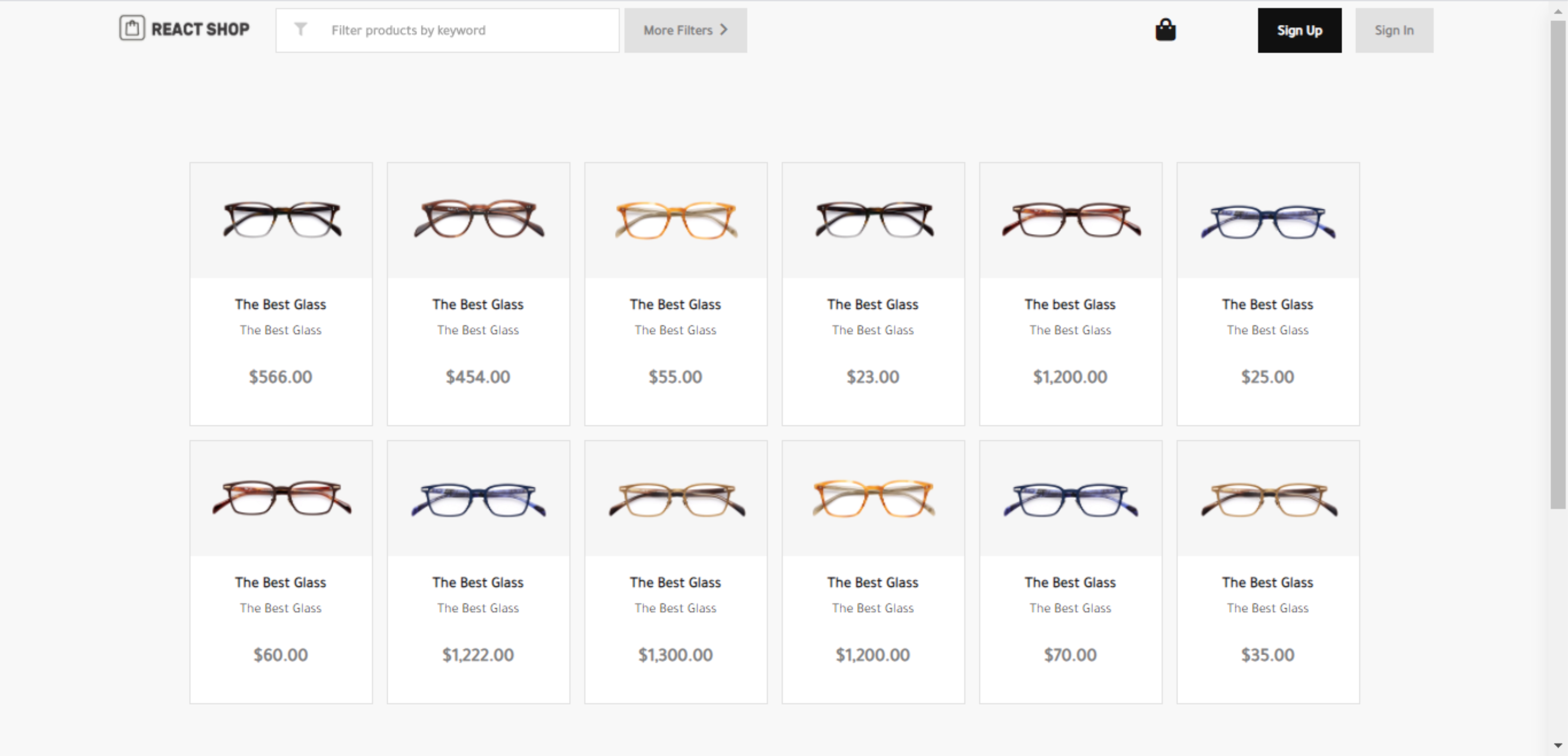
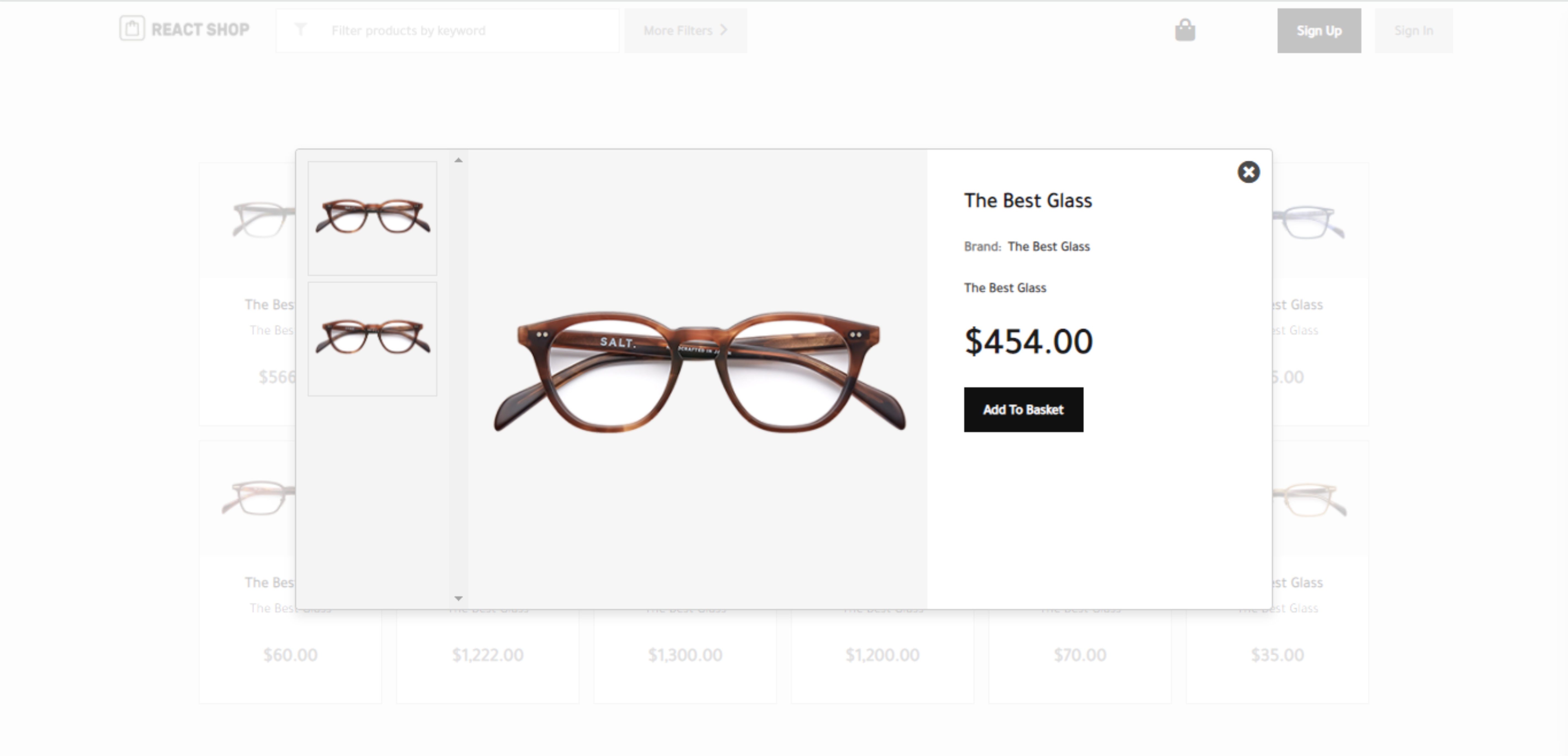
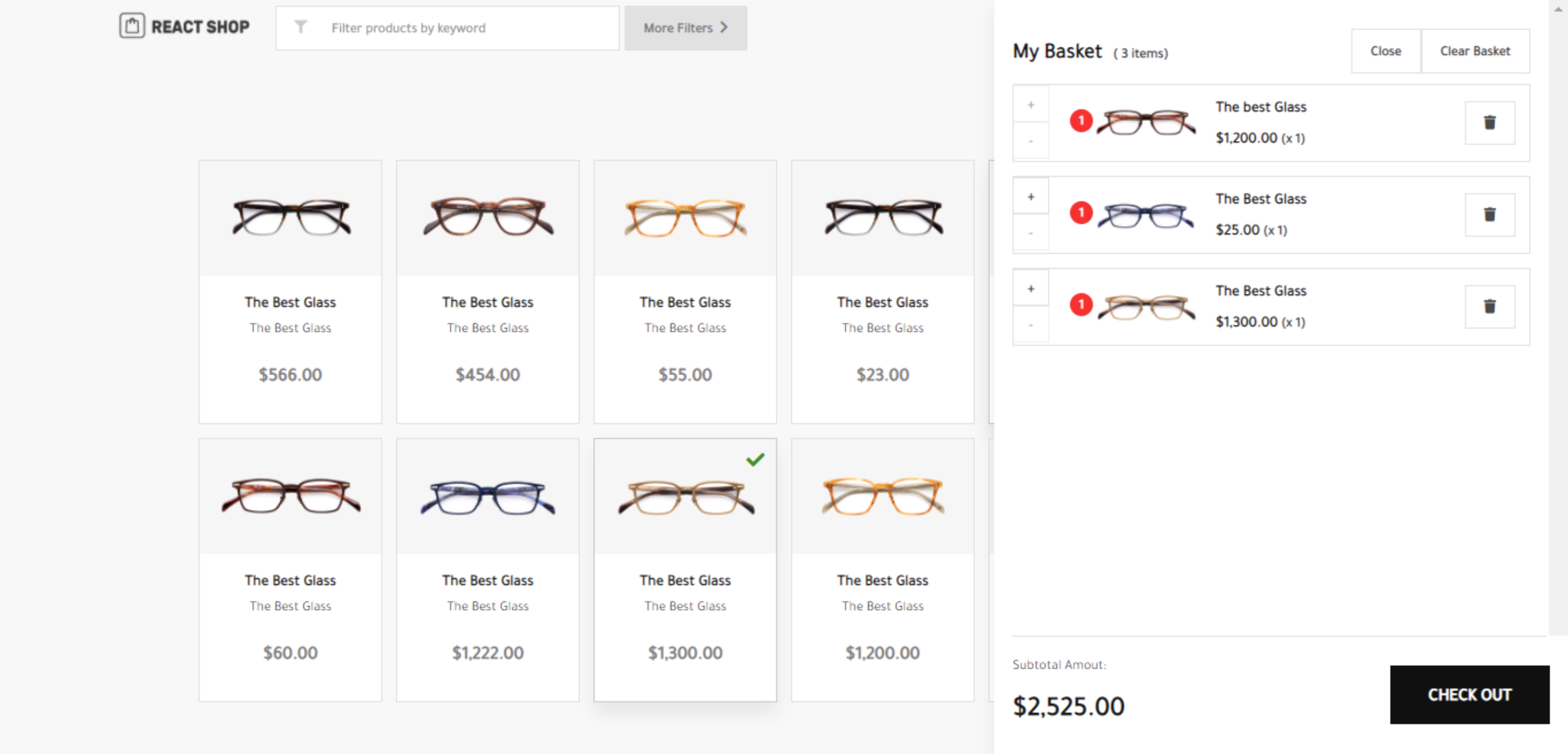
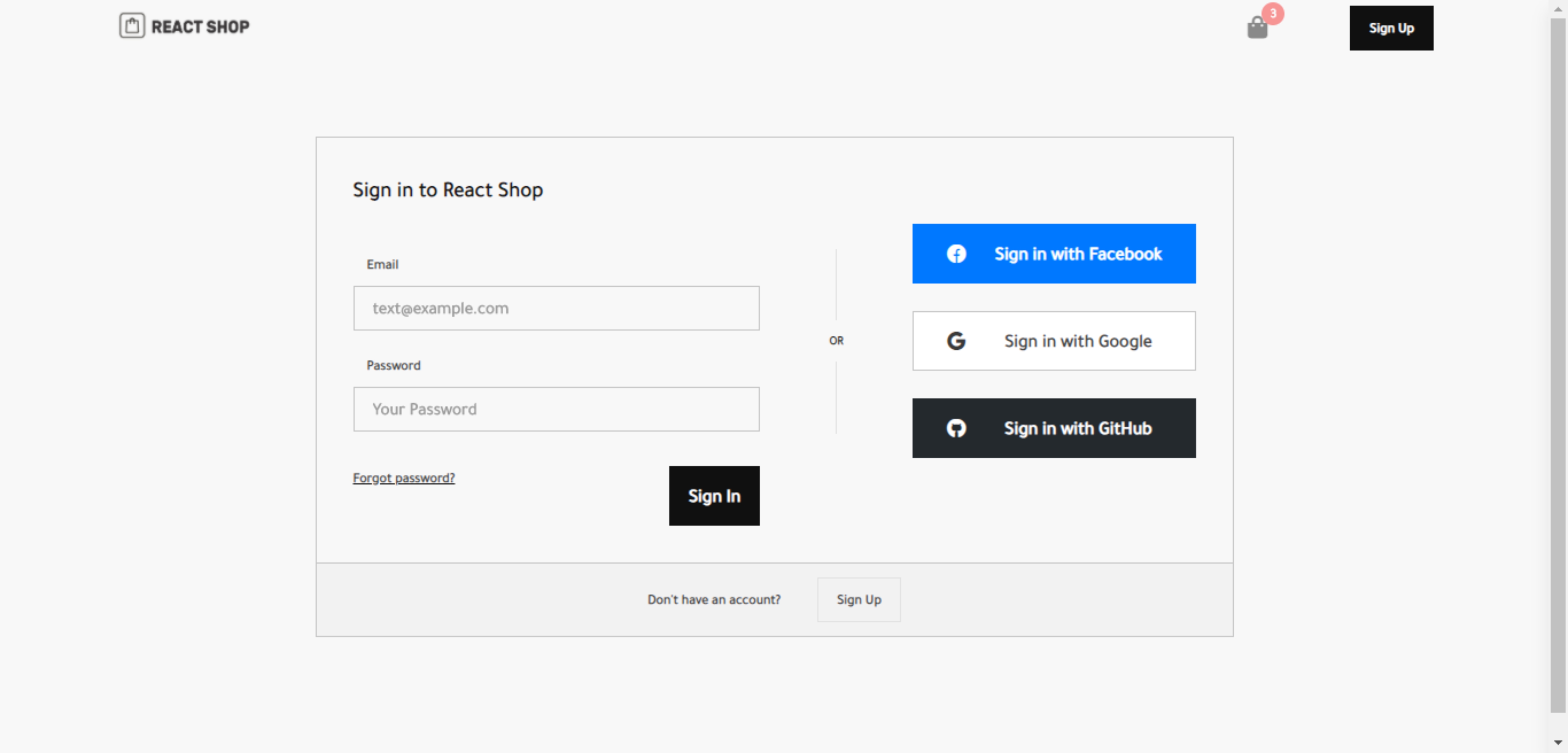
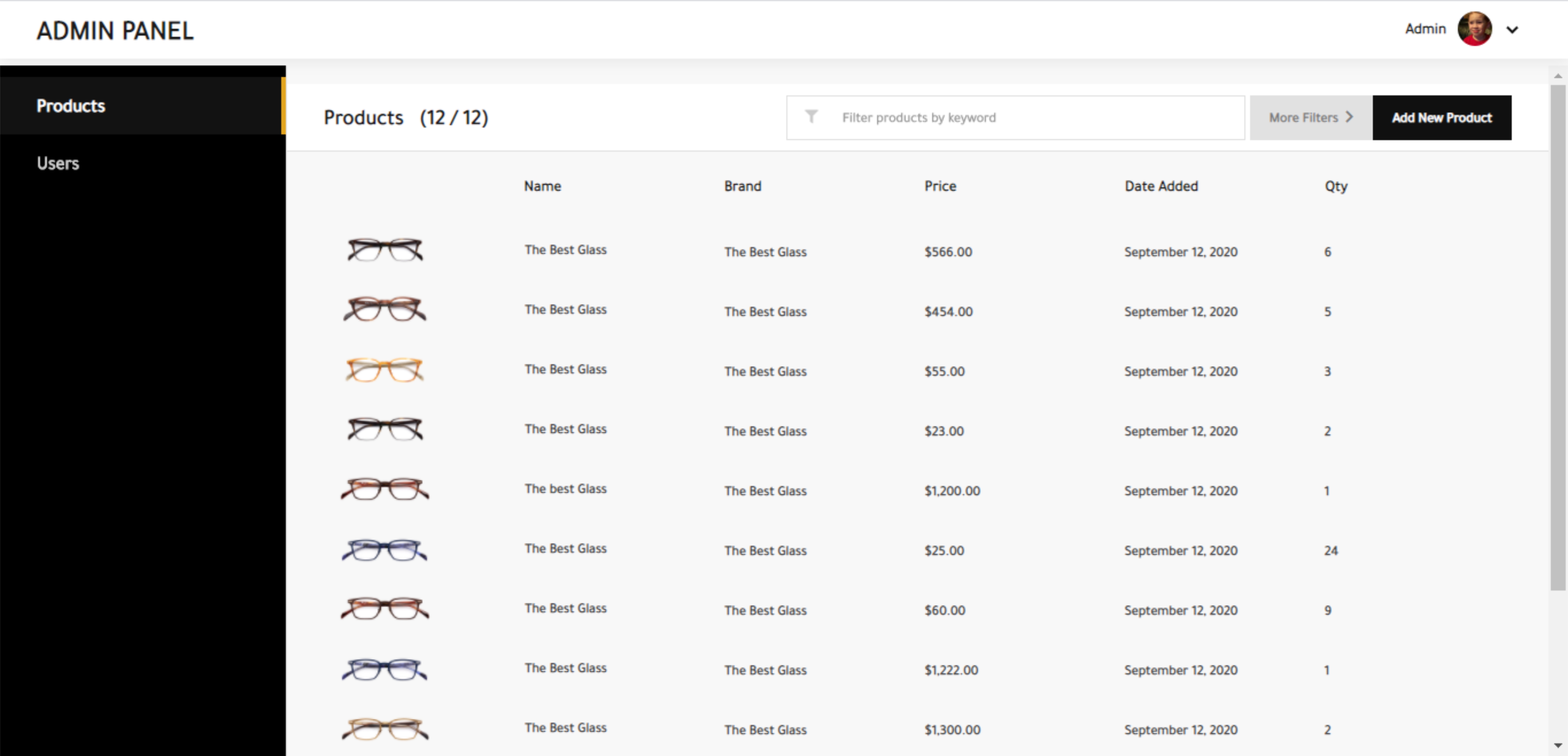
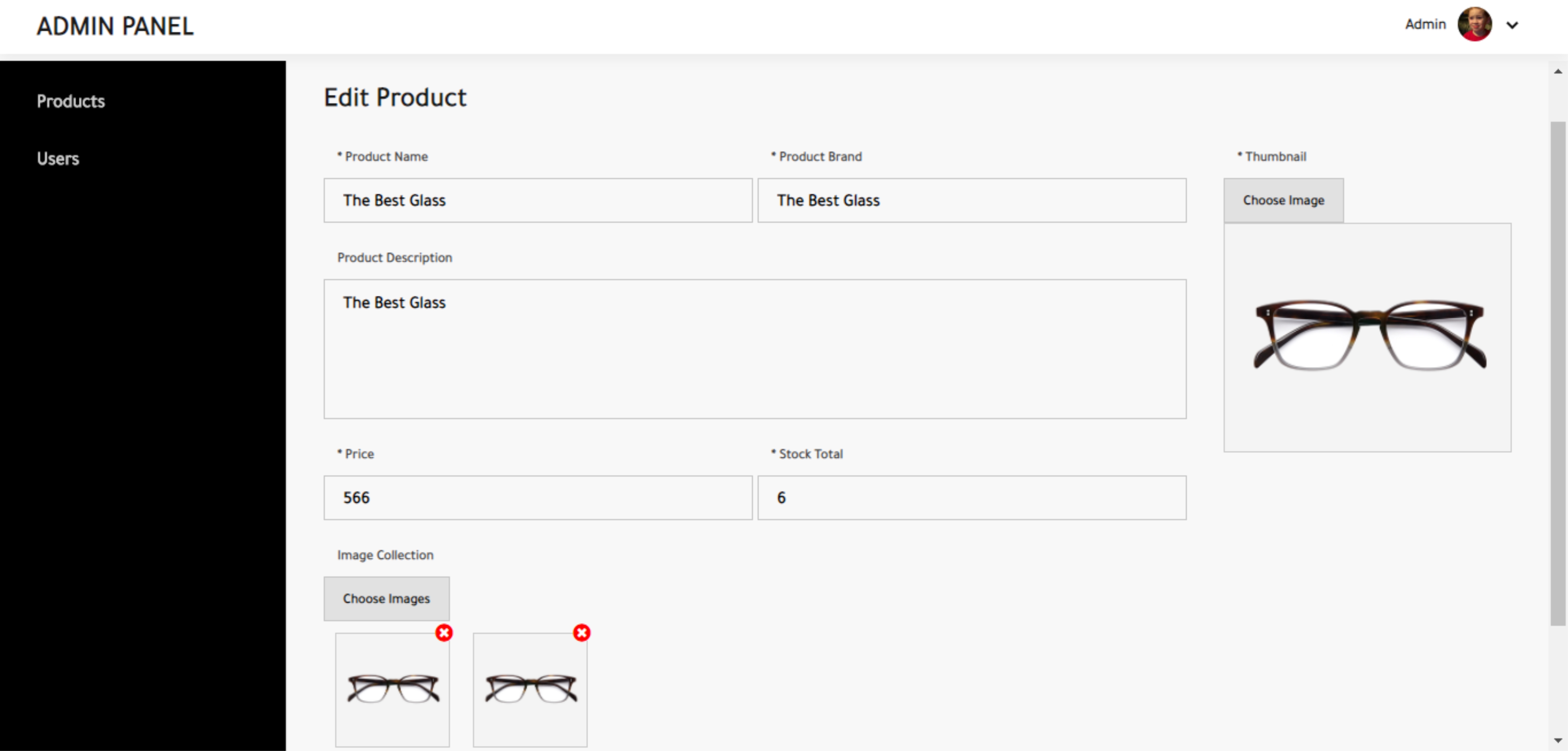
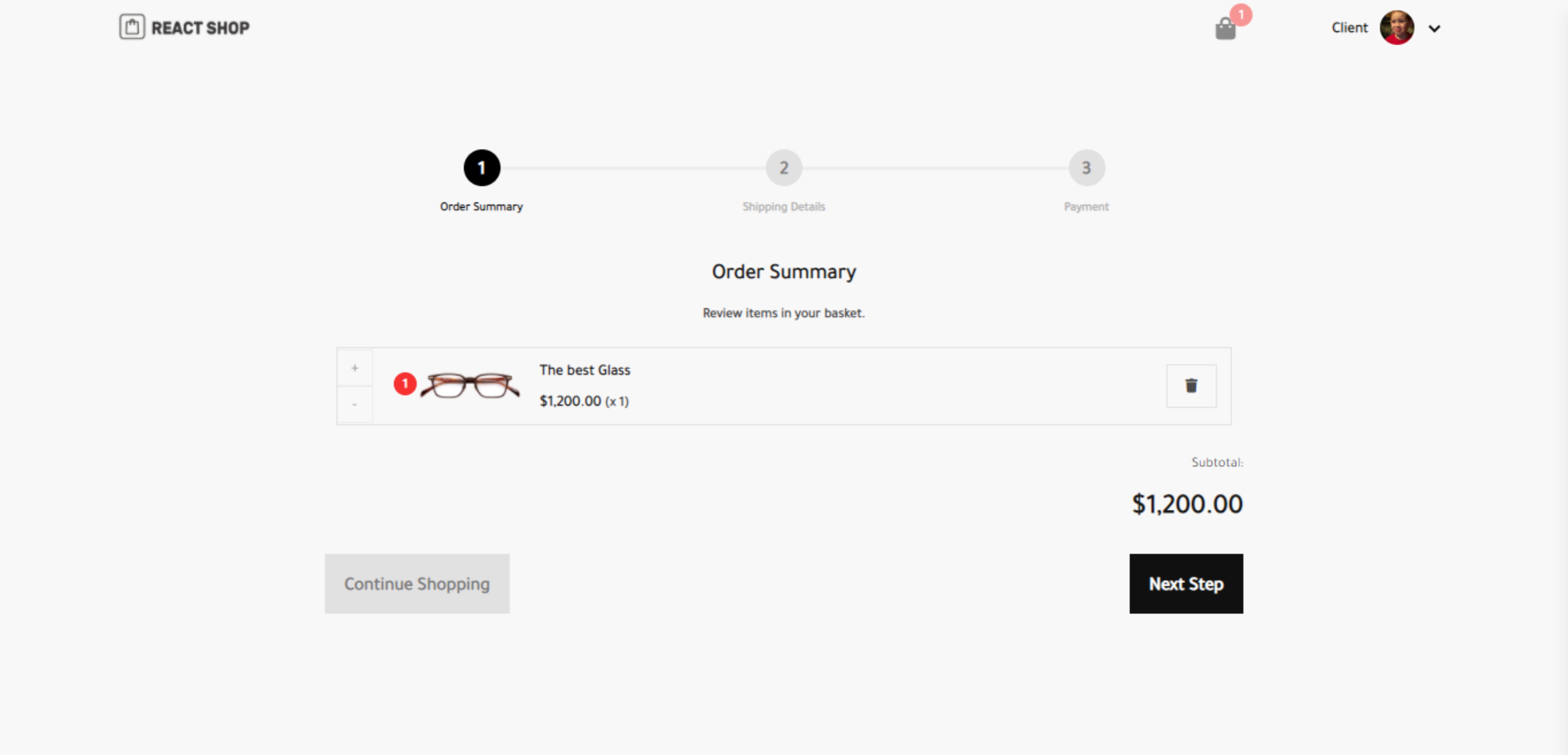
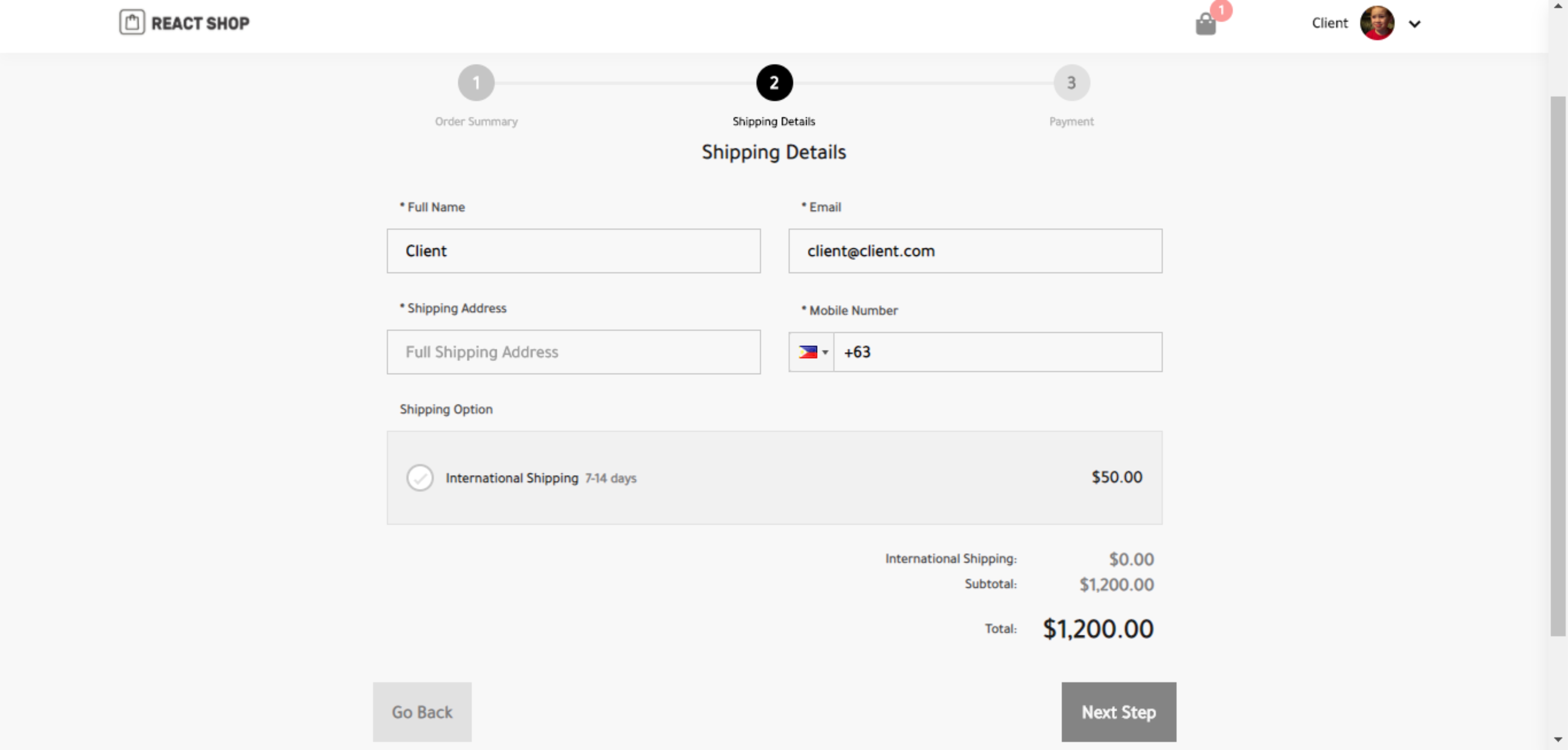
Run Locally
1. Install Dependencies
<code class="lang-sh">$ npm <span class="hljs-keyword">install</span>
</code>
2. Create a new firebase project
Login to your google account and create a new firebase project here
Create an env file - Set filename.env.prod file for production and .env.devfor development and save it in the root of your project folder and add the following configuration details. You can either use the same configuration details for both development and production but it's best to make separate projects. It can be found on your firebase project settings.
<code><span class="hljs-comment">// SAMPLE CONFIG .env.dev, you should put the actual config details found on your project settings</span>

FIREBASE_API_KEY=AIzaKJgkjhSdfSgkjhdkKJdkjowf
FIREBASE_AUTH_DOMAIN=yourauthdomin.firebaseapp.com
FIREBASE_DB_URL=https:<span class="hljs-comment">//yourdburl.firebaseio.com</span>
FIREBASE_PROJECT_ID=yourproject-id
FIREBASE_STORAGE_BUCKET=yourstoragebucket.appspot.com
FIREBASE_MSG_SENDER_ID=<span class="hljs-number">43597918523958</span>
FIREBASE_APP_ID=<span class="hljs-number">234598789798798</span>fg3-<span class="hljs-number">034</span>
</code>
After setting up necessary configuration, create a Database and choose Cloud Firestore and start in test mode
3. Run development server
<code class="lang-sh">$ npm <span class="hljs-keyword">run</span><span class="bash"> dev-server</span>
</code>
Build the project
<code class="lang-sh">$ npm <span class="hljs-keyword">run</span><span class="bash"> build</span>
</code>
How to add products or perform CRUD operations for Admin
- Navigate to your site to
/signup - Create an account for yourself
- Go to your firestore collection
users collectionand edit the account you've just created. Change the role fromUSERtoADMIN. - Reload or sigin again to see the changes.
Firebase Admin to be integrated soon
Features
- Admin CRUD operations
- Firebase authentication
- Firebase auth provider authentication
- Account creation and edit
Benzer ürünler

Yönetici paneli, müşteri hesapları, e-postalar ve her yeni sipariş için bildirim gönderen mobil uygulamalı, hemen başlatılabilir Next.js mağaza.
Yayın: Kasım 2026
Ürünler, mağazalar, sepet, ödeme, siparişler, temalar ve API'ye hazır mimari içeren eksiksiz React Native Expo pazar yeri başlangıç kiti.
Yayın: Ekim 2026
Next.js 14, TypeScript ve Tailwind CSS ile geliştirilmiş, tam özellikli modern bir e-ticaret platformu.
Yayın: Temmuz 2025
Supabase, canlı yayınlar, sohbet, dia hediyeleri, FCM ve Play Faturalandırma entegrasyonlu Web ve Android sosyal platform kaynağı.
Yayın: Ekim 2026
Animasyonlu harf çizimi ve quizler içeren İngilizce alfabe ve sayılar uygulaması kaynak kodu. React Native, Expo SDK 57
Yayın: Eylül 2026
Supabase, yönetici araçları, mesajlaşma ve rehberli kurulum içeren Android, iOS ve web için beyaz etiketli yerel ilan uygulaması.
Yayın: Temmuz 2026