Ana Sayfa / Kod ve Scriptler / Wisenshop - eCommerce Store Script
Wisenshop - eCommerce Store Script
Teknik olmayan kullanıcılar ve geliştiriciler için güçlü ve esnek bir e-ticaret scripti.
- Yayın tarihi4 Ocak 2025
- Nerede çalışırPHP 8.1, PHP 8.2, PHP 8.3
- Paket içeriği.php, .css, .html, .sql, JavaScript .js
- Son güncelleme8 Ocak 2025
- Canlı demoVar

Overview
WisenShop is a powerful and flexible eCommerce script designed to help you set up and manage your online store effortlessly. Whether you're a small business owner or running a large enterprise, WisenShop offers a wide range of features to optimize your shopping experience, including multi-currency support, multilingual capabilities, and various payment methods.
Review our full documentation | Live Demo

Features
Frontend Features
- Installer – Choose between our step-by-step web installer or command-line installer.
- Documentation – Access our comprehensive documentation for setup and configuration.
- Online Products Sell – Sell your products online with ease.
- Guest Checkout – Enable fast checkouts without account creation.
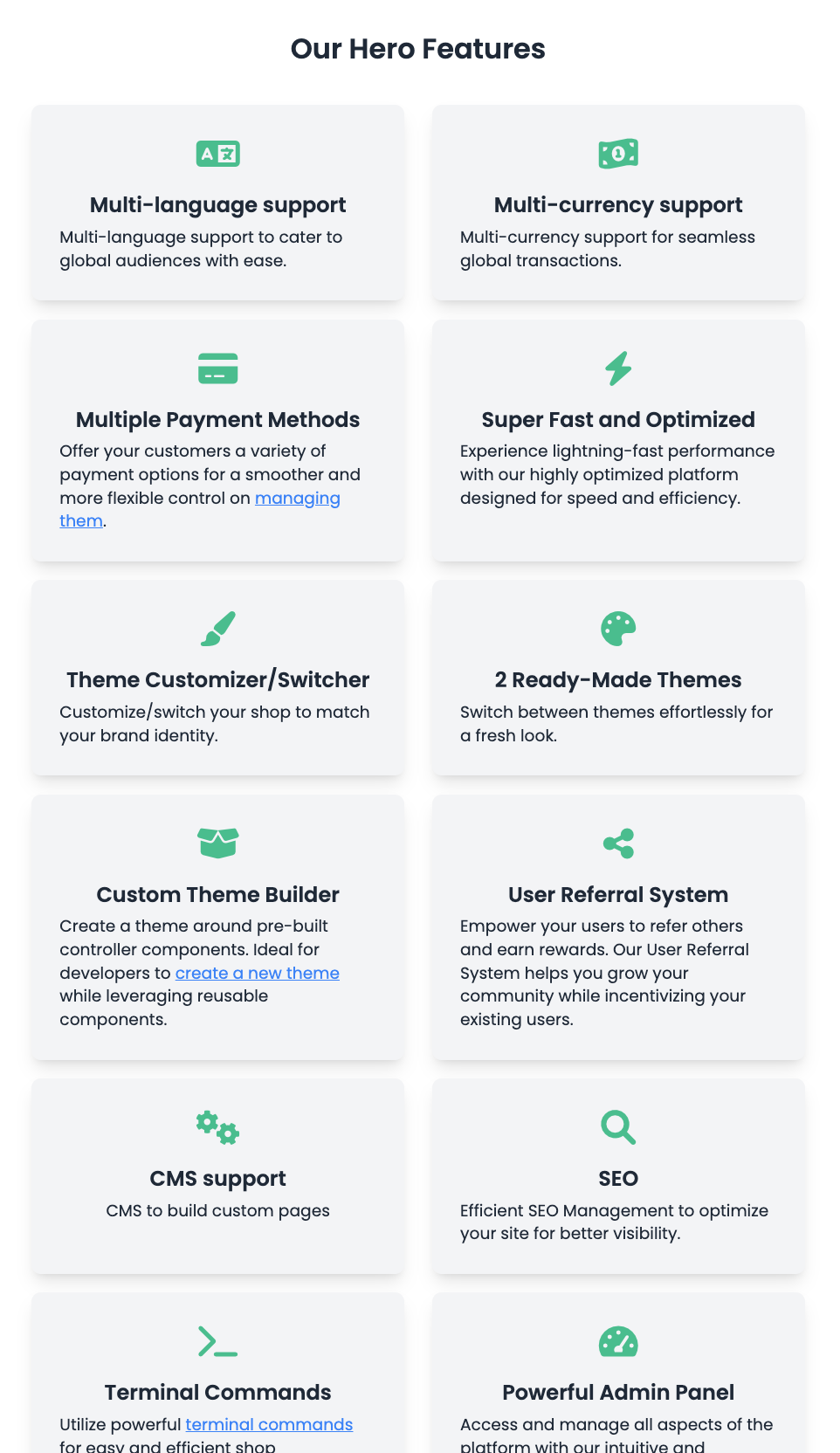
- Multi-language and Multi-currency Support – Cater to global audiences effortlessly.
- Multiple Payment Methods – Offer various payment options for customer convenience.
- Super Fast and Optimized – Experience high performance and speed.
- Theme Customizer/Switcher – Personalize your shop with ready-made themes.
- Homepage Flexibility – Manage homepage content with ease.
- Advertisement – Promote products via homepage banners.
- User Referral System – Grow your community with referrals.
- Nested Product Categories – Organize products for better user experience.
- CMS Support and SEO – Optimize your site with built-in tools.
Admin Features
- Product Management – Add, edit, delete, and organize products with ease.
- Order Management – View, update, and process orders efficiently with detailed tracking.
- Customer Management – Manage customer accounts, view profiles, and analyze purchase behavior.
- Category Management – Create, edit, and organize product categories, including nested categories.
- Analytics Dashboard – Monitor sales performance, traffic, and customer behavior with detailed analytics.
- Theme Management – Switch between ready-made themes or customize themes to match your brand.
- Site Customizer – Change color schemes for the selected theme to match your brand.
- Advertisement Management – Add and manage promotional banners for products and services on the homepage.
- Custom Pages – Build and manage custom CMS pages for informational or marketing purposes.
- SEO Tools – Optimize product pages, categories, and the overall site for better search engine visibility.
- User Referral System Management – Configure and monitor referral programs to encourage user engagement.
- Multi-language Management – Set up and manage translations for different languages to serve a global audience.
- Multi-currency Management – Enable and manage multiple currencies for seamless international transactions.
- Product Units Customization – Define and manage various product units like piece, kg, grams, and more.
- Order Notifications – Configure and manage email notifications for order status updates and other activities.
- Reports and Logs – Access detailed reports and logs for orders, customers, sales, and platform activities.
- Access Control – Assign roles and permissions to team members for controlled access to admin features.
- Terminal Commands – Use terminal commands for advanced management tasks directly from the command line interface.
- Backup and Restore – Perform backups and restore the platform with ease to ensure data safety.
- Payment Methods Management – Configure and manage multiple payment gateways and methods.
- Homepage Content Management – Control what content appears on the homepage for better user engagement.
- Super Fast Interface – Experience a highly responsive and optimized admin panel for maximum efficiency.
Admin Panel Access
Use the credentials below to access the admin panel:
| URL | https://default-theme.wisenshop.com/backend |
| Admin Username | |
| Admin Password | wisenshop450#! |
Note: All changes will reset after 30 minutes.
Developer Specific Features
| Setup Your Own Theme | Create a theme around pre-built controller components by following our guide. |
| Configure a New Payment Method | Add your custom payment method to the system by following our guide. |
| Easy Installation and Setup | Perform a fresh installation with ease by following our guide. |
| Manage Currency Rates |
Requirements
- PHP 8.1 or higher
- MySQL 8.0 or higher
- Laravel 11.x
- Livewire 3.x
- Node.js 16 or higher
- Composer 2.x
Benzer ürünler

Laravel, MySQL, Bootstrap ve JavaScript ile geliştirilmiş, güçlü, duyarlı ve özellik açısından zengin bir e-ticaret çözümü.
Yayın: Ağustos 2026
Yönetici paneli, sepet, ödeme, sipariş takibi, ödeme seçenekleri ve kullanıcı paneli içeren modern duyarlı e-ticaret web sitesi.
Yayın: Haziran 2026
MarketOS — Çok Satıcılı E-Ticaret Platformu (Laravel)
Yayın: Haziran 2026
VendorCart ile küresel bir moda imparatorluğu kurun. Gemini yapay zekâ stilisti, çok satıcılı paneller ve özel userapp uygulaması içerir.
Yayın: Mayıs 2026
Ürün yönetimi, ödeme ve ödeme ağ geçidi desteği içeren modern PHP e-ticaret scripti.
Yayın: Şubat 2026
Ctcart, çevrimiçi e-ticaret işinizi kolayca başlatmanız için eksiksiz bir çok satıcılı e-ticaret sistemidir.
Yayın: Ağustos 2022