Ana Sayfa / Uygulama Şablonları / KeepBerry - Flutter Chat and Community App
KeepBerry - Flutter Chat and Community App
Android, iOS, Masaüstü ve Web için Flutter sohbet, sosyal ve topluluk uygulaması. Gerçek zamanlı mesajlaşma, sesli ve görüntülü aramalar + yönetic
- Yayın tarihi20 Ağustos 2026
- Paket içeriği.swift, JavaScript .js
- Son güncelleme20 Ağustos 2026
- Canlı demoVar

Overview
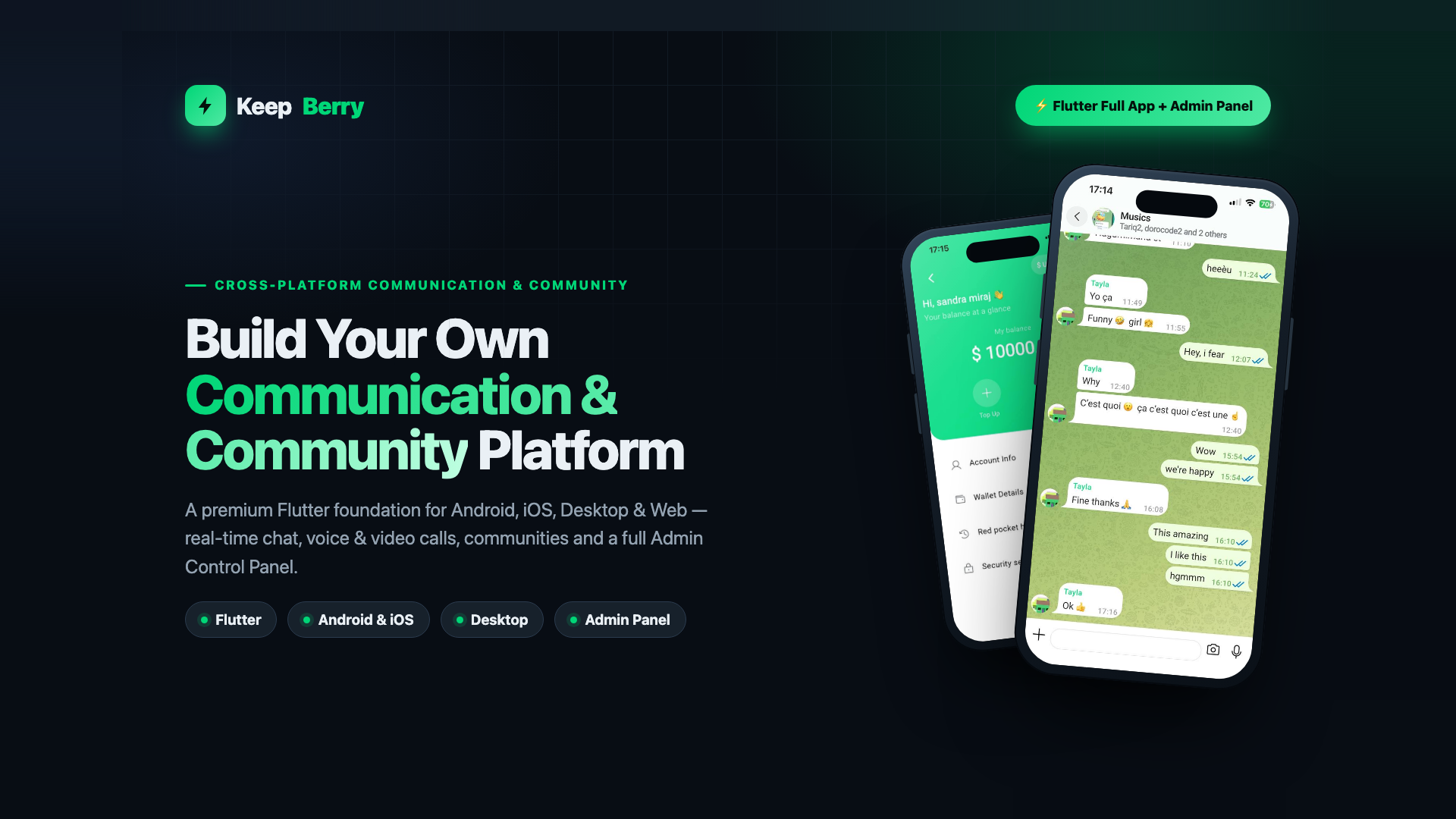
Flutter Full App • Android • iOS • Desktop • Web • Admin Panel
Build Your Own Communication & Community Platform
KeepBerry is a premium, production-ready Flutter foundation. Launch a modern messaging, social or community app on every screen — from one codebase, with a real backend and a full Admin Control Panel.
Please note — third-party services & possible ongoing costs
Real-time audio/video calling is powered by LiveKit and WebRTC. These are external services: to run calling in production you will need your own LiveKit server or a LiveKit Cloud account, which may involve ongoing usage-based fees billed by those providers. The same applies to any other external infrastructure you connect (push notifications, object storage/CDN, SMS). This item's price covers the source code only — it does not include, and the author is not responsible for, any third-party subscription or usage charges. Text chat and the rest of the app run on your own backend with no such per-use fees.
1 Codebase Android, iOS, Desktop & Web | Real-time Chat, calls & presence | Admin Full control panel included | Yours Rebrand & customise |
Honest positioning: KeepBerry gives users the modern messaging experience they already expect — real-time delivery, read receipts, media, groups and calls — in a foundation you own and control. It is not a clone of any existing product and contains no third-party brand assets.
Demo Instructions
Sign in and try everything before you buy. No registration needed.
| Demo URL | https://community.keepberry.com/ |
| Password | DemoPass2026 |
How to use it: open the demo URL, choose Sign In, and enter the email and password above. You can then join a community, post to the feed, send messages, open the wallet and browse the marketplace exactly as a real user would.
This is a shared demo account on a live sandbox, so other people are signed in as it too and content is reset periodically. The Admin Control Panel
Features
KeepBerry is a production-ready Flutter chat, social and community platform sold as full source code. One codebase covers mobile, desktop and web, and it ships with a real Node.js backend and an admin control panel — not a UI kit or a mockup.
Messaging
- Real-time one-to-one and group chat over WebSockets
- Text, photo, video, voice notes, files and link previews
- Typing indicators, read receipts, replies, reactions and message search
- Push notifications on iOS and Android
Voice & video calls
- One-to-one voice and video calling built on LiveKit and WebRTC
- Call history and in-app call screens
Communities & social
- Communities and groups with membership and roles
- Social feed with posts, media, likes and comments
- User profiles, followers and friend requests
- Blocking, reporting and moderation tools
Wallet & marketplace
- In-app coin wallet with a server-side ledger — balances are never trusted from the client
- Marketplace listings and creator storefronts
- Invite and referral flows
Admin control panel
- Separate Flutter admin app for users, communities, content and moderation
- Dashboards and platform statistics
- Broadcast messaging
- Role-based access enforced on the server, not in the UI
Platform & presentation
- Dark and light themes throughout
- Multi-language support (internationalised strings)
- Responsive layouts for phone, tablet, desktop and browser
- Rebrandable — your own name, logo, colours and bundle identifier
What is included
- tunnel_app — the Flutter mobile app (iOS and Android)
- tunnel_desktop_window — the Flutter desktop and web app (macOS, Windows, Web)
- tunnel_admin — the Flutter admin control panel
- Tunnel_API — the Node.js backend and real-time server
- Full HTML documentation with setup, configuration and an admin guide
Please note: real-time calling uses LiveKit and WebRTC, and push notifications use Firebase and Apple Push Notification service. These are external services with their own accounts and pricing. You supply your own credentials and are responsible for any usage charges. No API keys are included in the download — every credential is a clearly marked placeholder you replace with your own.
Requirements
KeepBerry is delivered as source code. You compile the apps yourself and run the backend on your own server, so you need a normal Flutter and Node.js development environment.
To build the apps
- Flutter SDK 3.8 or newer (Dart SDK 3.8.1 or newer)
- Xcode on a Mac — required for iOS and macOS builds
- Android Studio with the Android SDK — required for Android builds
- Visual Studio with the C++ desktop workload — required for Windows builds
- Any modern browser for the web build
To run the backend
- Node.js 18 or newer
- MongoDB — the main database
- Redis — used for sessions, presence and real-time state
- A Linux server (or any machine that runs Node.js) for production
Third-party accounts you supply
These are external services. You create your own accounts, add your own keys, and are responsible for any usage charges they bill you. Nothing is pre-configured and no keys are included.
- Firebase — push notifications on Android, and the Flutter client configuration
- Apple Developer account — APNs key for iOS push, and for publishing to the App Store
- LiveKit — required only if you enable voice and video calling
- SMTP provider — required for verification and notification email
- Payment provider — required only if you enable paid features
- Optional integrations for translation, currency rates and IP geolocation, each behind its own environment variable and each safe to leave unset
Skills assumed
- Comfortable running Flutter builds and installing packages
- Comfortable deploying a Node.js service and connecting it to MongoDB and Redis
- Basic command-line and DNS knowledge for putting the API behind your own domain
This is a developer product. It is not a no-code template and it does not install itself — expect to configure your own services before the apps will run against a live backend.
Benzer ürünler

Reels, canlı yayın, sohbet, içerik üretici araçları, yönetim paneli ve yapılandırılabilir ödemeler içeren Flutter sosyal ağı.
Yayın: Ekim 2026
Taşınma, yer değiştirme, atık toplama, rezervasyonlar, abonelikler, sohbet ve hizmet yönetimi için eksiksiz bir Flutter uygulaması.
Yayın: Ekim 2026
Yönetici ve moderatör paneli içeren eksiksiz flört uygulaması. Flutter, NestJS, PostgreSQL. Tam kaynak, lisans kontrolü yok, Docker kurulumu.
Yayın: Eylül 2026
Keşif, eşleşmeler, sohbet, hikayeler, profil ve koyu mod içeren Flutter + Supabase flört uygulaması kaynak kodu.
Yayın: Nisan 2026
Supabase, kimlik doğrulama, moderasyon araçları ve çapraz platform dağıtımıyla eksiksiz Flutter forum uygulaması.
Yayın: Mart 2026
Flutter mobil uygulaması ve güçlü bir Laravel yönetici paneli içeren, iris sanatı işi başlatmak için eksiksiz bir çözüm.
Yayın: Temmuz 2025