Ana Sayfa / Eklentiler / Shipping Tracking Woocommerce - Wordpress Plugin
Shipping Tracking Woocommerce - Wordpress Plugin
WooCommerce için siparişlerinizin kargo takip numaralarını izleyerek sipariş durumunu takip edin
- Yayın tarihi11 Aralık 2015
- Son güncelleme11 Aralık 2015


Overview
Description
With Vinum Master tracking plugin, you can add Tracking Number and shipped date in the admin order.
You can see the current parcel status on the carrier tracking page.
The parcel status will be displayed at customer's order history page.
Simply click on a button, to update the tracking info.
No need to register and pay for an external service.
To automatically update the parcel status, it is necessary to be registered on the carriers you want to use to access their web service or API.
Currently, only the following carriers are supported:
UPS, USPS, FEDEX, LA POSTE (France), CHRONOPOST (France)
Features
- * add tracking number and shipped date
- * track shipping number
- * display tracking infos on customer order's history page
- * create new order status "shipped"
- * autmatically send email notification to customer when order is shipped with tracking number and link to track the parcel.
Included
- full source code
Requirements
- wordpress 4.0.0
- woocommerce
Instructions
Upload the entire 'vm_tracking' folder to the '/wp-content/plugins/' directory
Activate the plugin through the 'Plugins' menu in WordPress
Benzer ürünler
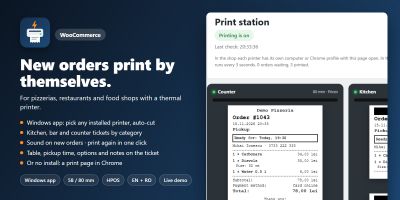
Yeni WooCommerce siparişleri, mutfak, bar ve gişe biletleri gibi 58/80 mm termal yazıcılarda kendiliğinden yazdırılır.
Yayın: Kasım 2026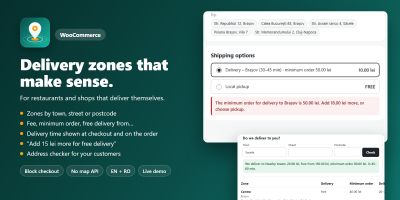
WooCommerce teslimat bölgelerini özel ücretler, minimum siparişler ve teslimat süreleriyle şehre, caddeye veya posta koduna göre ayarlayın.
Yayın: Kasım 2026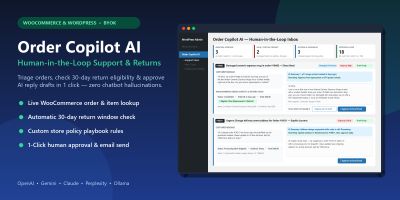
WooCommerce ve WordPress için insan denetimli yapay zekâ müşteri desteği, iade politikası triyajı ve tek tıkla yanıt taslakları.
Yayın: Kasım 2026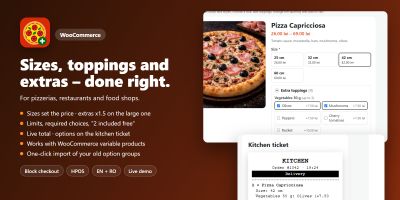
Ceacliu, canlı toplam ve mutfak biletiyle WooCommerce ürünlerine boyutlar, ekstra malzemeler, soslar ve açıklamalar ekliyor.
Yayın: Kasım 2026
Hatırlatma e-postaları, kupon ödülleri, ürün soruları ve inceleme widget'larıyla WooCommerce fotoğraf ve video incelemelerini toplayın.
Yayın: Kasım 2026
WooCommerce açılış saatlerini ayarlayın, ön siparişleri kabul edin, teslimat veya teslim alma zaman dilimleri teklif edin, siparişleri sınırlayın ve ödemeyi duraklatın.
Yayın: Kasım 2026